Signing in and the lobby
Hypothesis Lab uses single sign-on. There's no email/password — your work account is the account.
The public home page
The app's root URL (/) is a public marketing page — anyone can view it without an account. Click Sign in in the top-right (or the primary CTA in the hero) to start the sign-in flow.
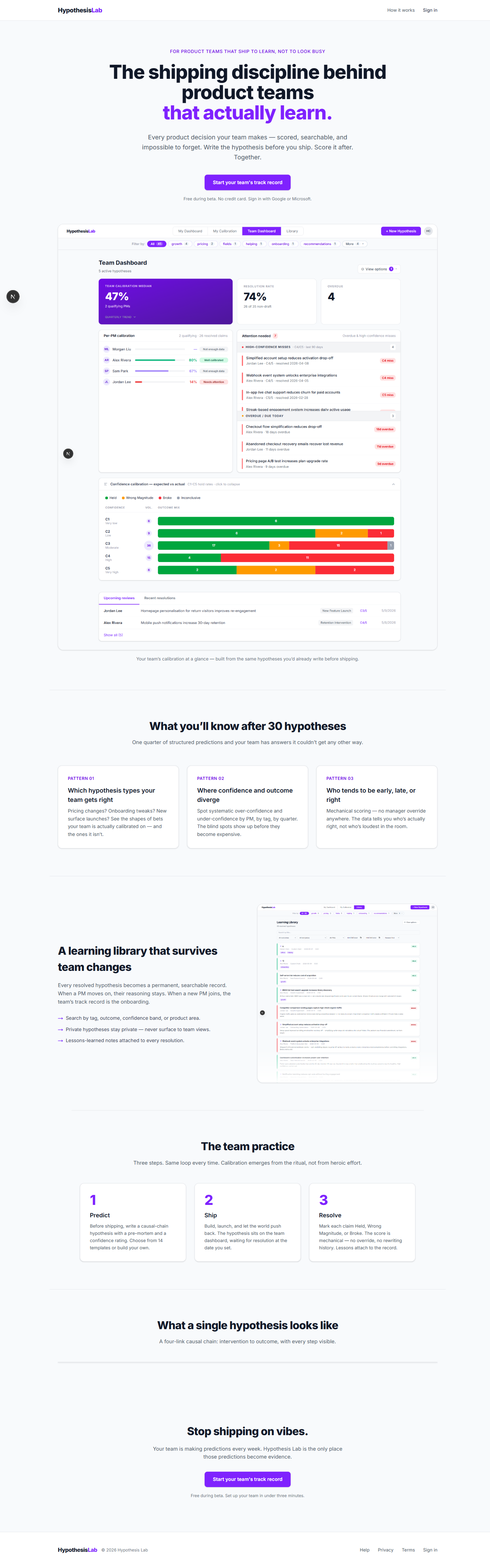
If you're already signed in, the same URL takes you straight to your dashboard.
The sign-in page
Click Sign in to land on a single sign-in card:
- Sign in with Google — for any Google or Google Workspace account.
The OAuth flow opens in the same window, then bounces you back.

First time in? No setup is needed. The first person to sign in for a given email becomes a new user; what happens next depends on whether your team already exists in the app — see below.
After sign-in: where you land
The system routes you based on what it knows about your account:
- You have an active team → straight to that team's role home — My Dashboard for PMs and Reviewers, Team Dashboard for the Head of Product.
- You're on one or more teams but none is marked active → the lobby, where you pick which team to enter.
- You're not on any team yet → the lobby's empty state.
- You clicked an invite link → see the next page, Joining a team via invite.
The system remembers your active team across devices — it's stored on your account, not in the browser. See Switching between teams for how to change it.
The lobby
The lobby is a hub. What you see depends on whether you're on any teams yet.
If you're already on one or more teams
The lobby shows a Your teams list with every team you belong to, plus the role you have on each. Click Enter on a row to make that team your active team and land on its role home. Below the list, the Create a team form lets you spin up another team.
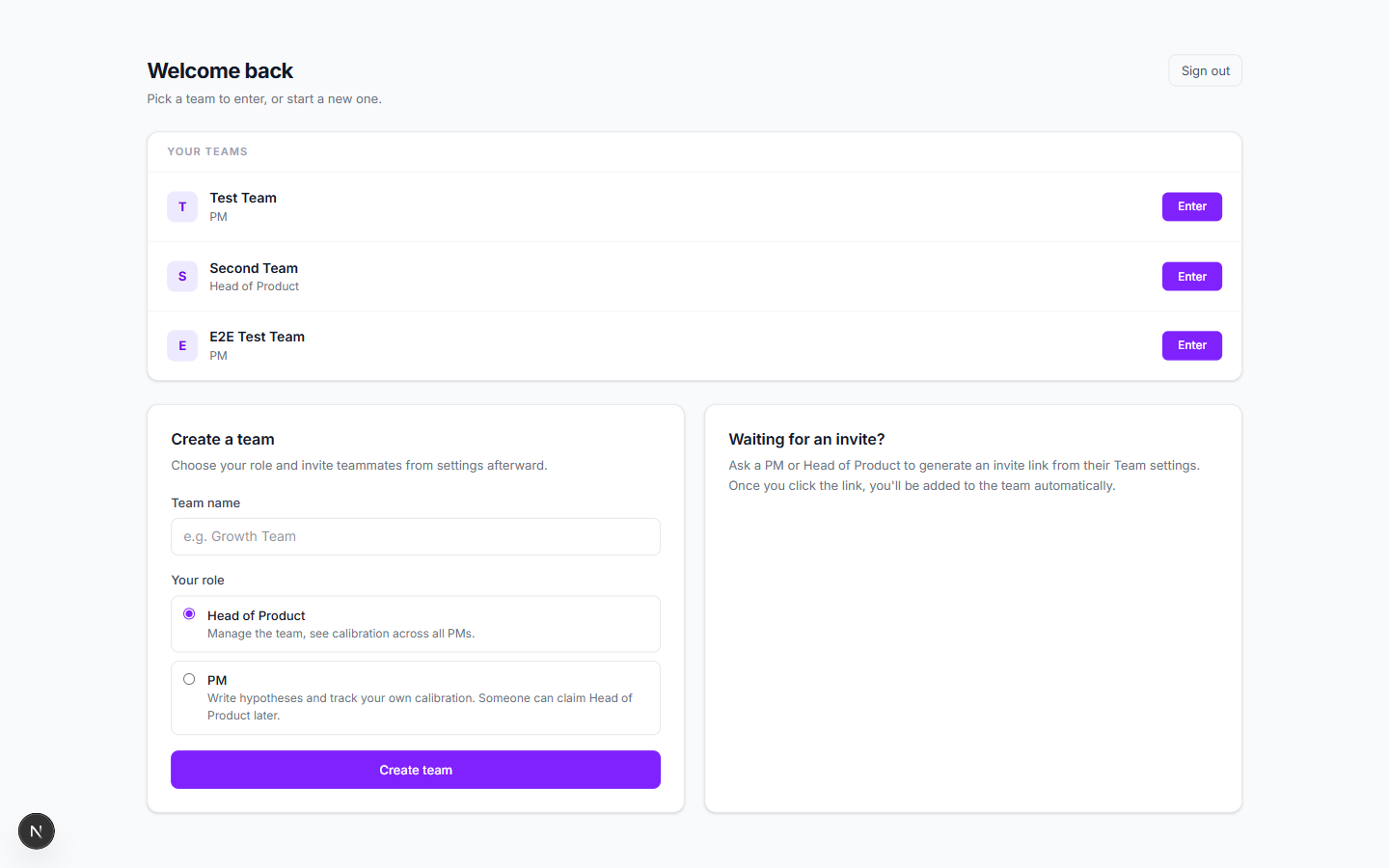
This is also where you end up after leaving a team you were active on — see Switching between teams.
If you're not on any team yet
The lobby shows just two cards: Create a team and Waiting for an invite?.
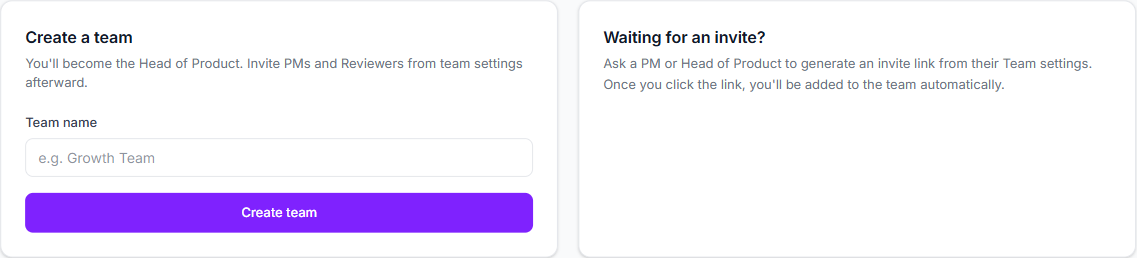
Create a team
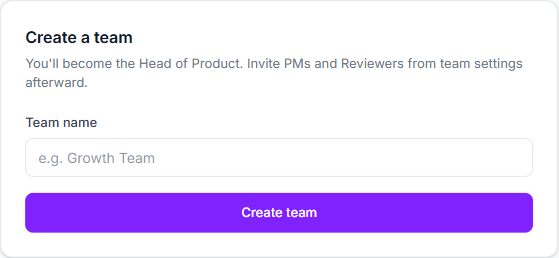
If you're the first person from your company to sign up, create a team. You become the Head of Product automatically — there's exactly one HoP per team, enforced at the database level. (You can also pick PM here if you'd rather someone else claim HoP later.)
Type a team name, pick your role, click Create team.
Wait for an invite
If your team already exists, don't create a new one — you'll fragment the team. Instead, ask an existing PM or the Head of Product to send you an invite link. Once you click it, you'll be added to the existing team automatically.

Dev shortcuts
In dev mode the sign-in page also lists pre-seeded test accounts (Harper Chen, Alex Rivera, etc.) so you can hop between roles. These don't appear in production.
Next: Joining a team via invite →