Extending a resolution date
Sometimes the original review date arrives but the data isn't there yet — the launch slipped, the metric needs another two weeks of cohort, or a confound is still bleeding off. You can push the review date out instead of resolving with bad data.
Where to find it
Open the hypothesis's detail page. The Edit review date button sits next to Delete in the top-right.

Pick the new date
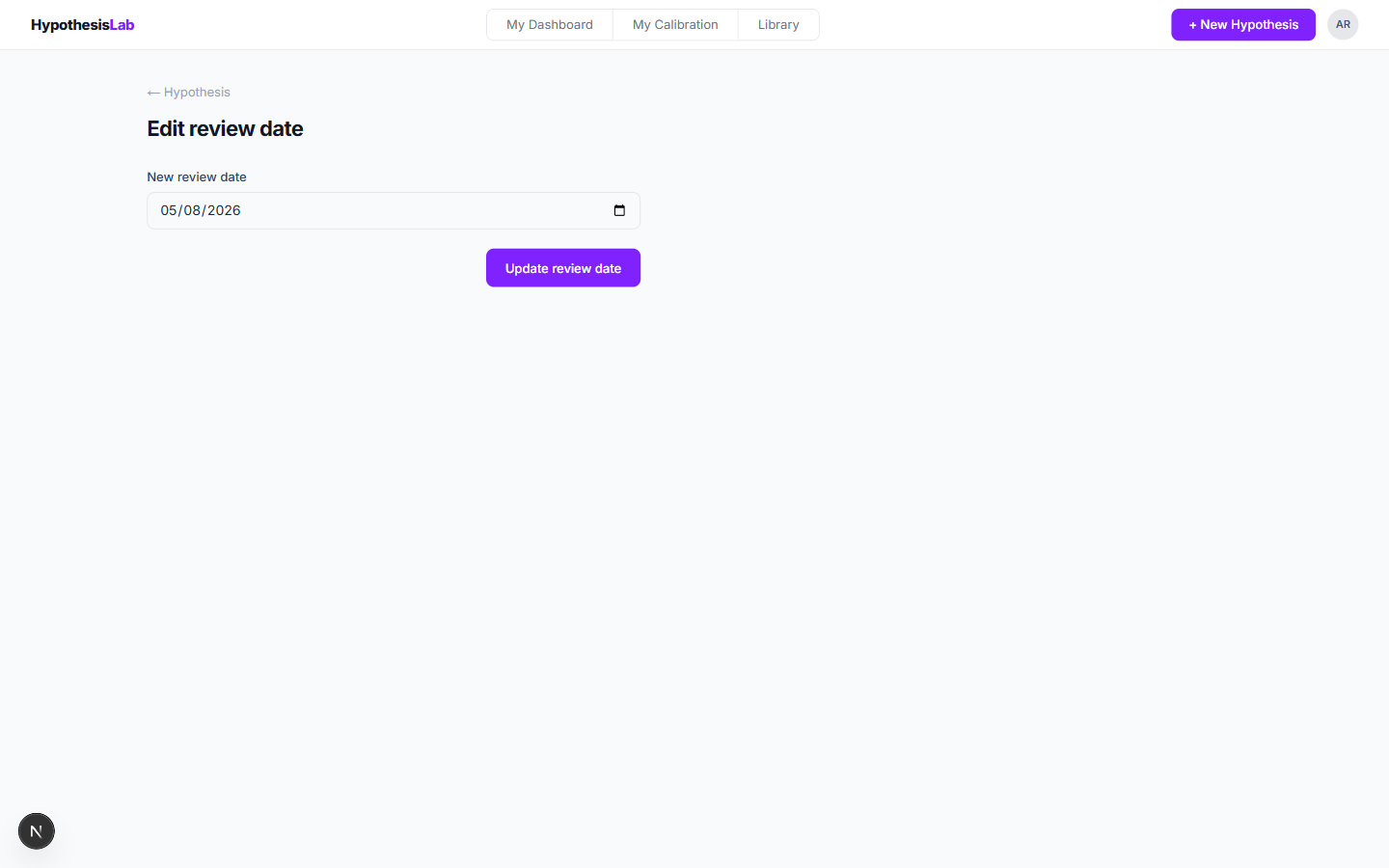
A simple form: the current review date is pre-filled. Pick a new date and click Update review date.
Use sparingly. The point of a review date is the discipline of returning to your prediction when you said you would. An extension is fine; a habit of extensions is a calibration problem in itself.
What changes — and what doesn't
- Only the review date changes. The hypothesis title, claims, pre-mortem, and confidence are all locked.
- The new date appears on your dashboard and resets the "X days overdue" counter.
- Each extension is recorded on the hypothesis. The Head of Product can see how often each PM extends.
When to resolve as Inconclusive instead
If the data will never arrive cleanly — the launch was cancelled, the metric was redefined, the cohort got contaminated — extending is the wrong move. Resolve the hypothesis and mark each affected claim Inconclusive. That keeps the bench honest and stops the dashboard nagging you forever.
Previous: Resolution notes and lessons ← Next: Superseding a hypothesis →