Joining a team via invite
Invites are how PMs and Reviewers get added to an existing team. There's no self-signup — someone with the right role on the team has to send you a link.
How invite links work
A team admin (the Head of Product, or any PM) generates a one-time link from Manage Team. The link is a URL like:
https://your-app/invite/24cd9b26-3b92-4c26-a35c-4c1f84c8042b
Each link:
- Is role-stamped at generation — the inviter picks PM or Reviewer.
- Expires after 7 days.
- Is one-time use — once it's been clicked and an account is bound, it can't be reused.
What you do as the invitee
- Open the link your invter sent you.
- If you're not signed in, you'll be redirected to the sign-in page — sign in with Google.
- Once you've signed in, the system reads the invite ID from the URL, adds you to the team with the role the inviter chose, makes that team your active team, and drops you on your dashboard.
That's the whole flow — there's no "accept invite" screen.
Already on another team? Redeeming an invite switches your active team to the new one but doesn't remove you from the old. The team switcher in the nav lets you flip back. See Switching between teams.
Already used / expired links
If the link has already been claimed by another account, or it's older than 7 days, you'll see an Invite Error page rather than landing on the dashboard.
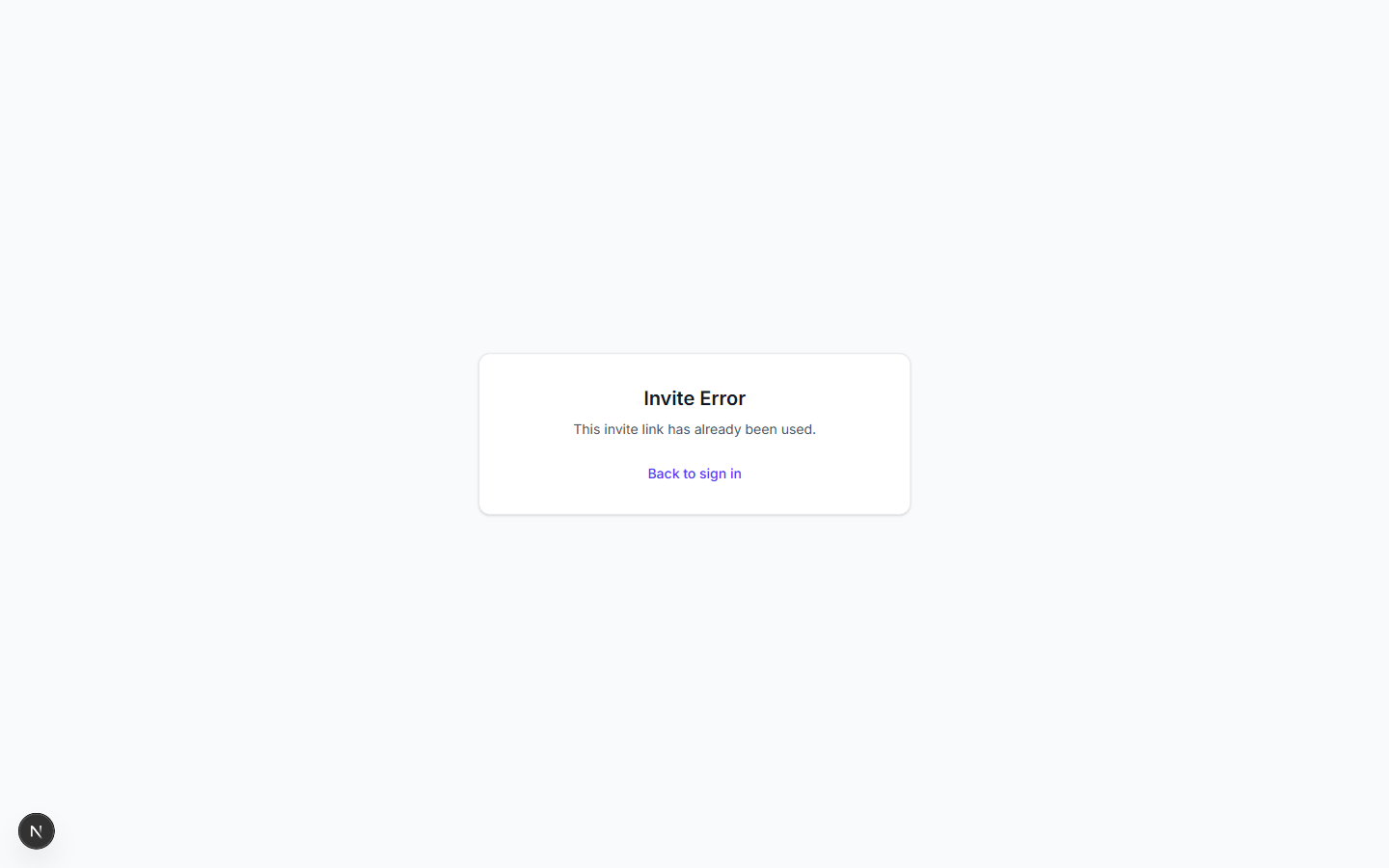
Ask the inviter to generate a fresh link.
What if you already have an account but no team?
You'll see the lobby instead of being added (this happens when the link has been used). On the lobby, the Waiting for an invite? card tells you what to do — ping a PM or HoP, get a fresh link.

Previous: Signing in and the lobby ← Next: Navigation bar tour →